
How to hand over your inbox without losing control
Delegating email is the fastest way to get hours back, and the one people put off longest. A practical setup for sharing your inbox with an assistant: access, rules, folders and the daily summary that keeps you in charge.
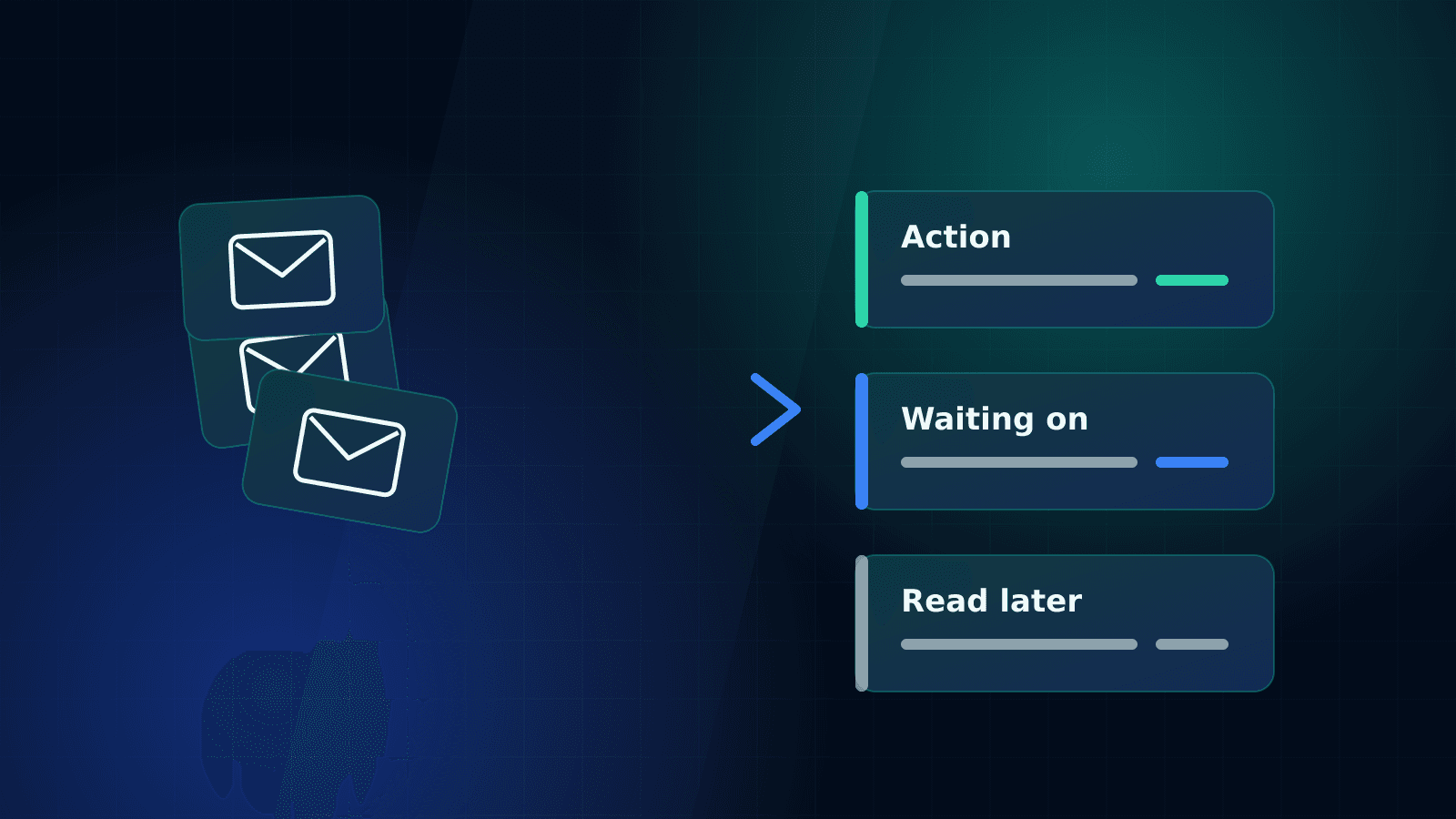
To hand over your inbox safely, give your assistant delegated access (not your password), agree a short set of rules for what they can answer, sort mail into three folders, and get a daily summary of what needs you. That's the whole system. The rest is detail, and the detail is below.
Email is usually the first thing people want help with and the last thing they actually hand over. It feels personal. It's where clients, money and the occasional awkward conversation live. Fair enough. But it's also where hours disappear, one "quick reply" at a time.
Step 1: Set up access the right way
Never share your own password. Both Google Workspace and Microsoft 365 let you grant delegate access, so your assistant can read, draft and send on your behalf from their own login. You can see what they've done and remove access in one click.
For everything else (supplier portals, booking sites, the odd social account), use a shared password manager. It keeps a record of who has access to what, and nobody ends up with passwords in a spreadsheet.
Step 2: Agree the rules before day one
Your assistant needs to know three things: what they can handle alone, what they draft for you to approve, and what they leave well alone. Write it down. Half a page is plenty.
A starting point that works for most people:
- Handle alone: scheduling, confirmations, receipts, newsletters, supplier admin, polite chasers.
- Draft for approval: new client enquiries, anything about price, anything with a complaint in it.
- Leave for you: personal messages, legal or HR matters, anything marked confidential.
You'll loosen these over time. Most people move things from "draft" to "handle alone" within a few weeks, once they've seen the drafts and realised they'd have sent the same thing.
Step 3: Use three folders, not thirty
Elaborate folder systems collapse within a month. Three is enough:
- Action: needs a reply or decision from you.
- Waiting on: you or your assistant have replied and you're waiting to hear back. Your assistant chases these.
- Read later: newsletters, updates, reports. Useful, not urgent.
Everything else gets answered, filed or archived. A clean inbox isn't the goal in itself. Knowing nothing's slipping through is.

Step 4: Teach your voice once
Forward your assistant ten emails you've sent that sound like you. A thank-you, a firm no, a chaser, a warm intro. That's usually enough for them to match your tone. At Helping Hand PA, tone of voice is part of the structured onboarding, so it's written down and any backup assistant can pick it up too.
Step 5: Get a daily summary
This is the bit that keeps you in control. Once a day (or twice, if you're busy) your assistant sends a short note:
- What's been handled
- What's waiting for you, with a recommended reply if they have one
- What's overdue from other people and when they last chased
You read it in a couple of minutes, make the decisions only you can make, and get on with your day.
What people worry about (and what actually happens)
"They'll say something I wouldn't." Not if the approval rules are clear. Early on, drafts come to you first. You'll know within a fortnight whether the voice is right.
"I'll miss something important." You're more likely to miss something now, buried under 200 newsletters. A second pair of eyes catches the important stuff faster.
"It's confidential." That's why vetting matters. Our assistants are full-time employees, background-checked and under NDA. If you're comparing options, our guide to freelancers, agencies and managed teams covers what to ask about security.
Where to go from here
Inbox help is the core of our personal assistant service, and it pairs naturally with diary management, since half your email is usually about meetings anyway. If you're not sure email is your biggest time drain, start with what a virtual assistant actually does and see which parts of your week jump out.
Quick answers
Is it safe to let an assistant access my email?
Yes, if you use delegate access rather than sharing your password, and work with someone properly vetted. Delegate access can be removed instantly and logs what was sent on your behalf.
How long does it take to hand over an inbox?
The setup takes an afternoon. Getting comfortable takes two to three weeks, while you review drafts and adjust the rules.
Can an assistant manage more than one inbox?
Yes. Many clients have a personal and a business inbox, or a shared team address. The same three-folder system works across all of them.